
The new SkyGems app is open to everyone
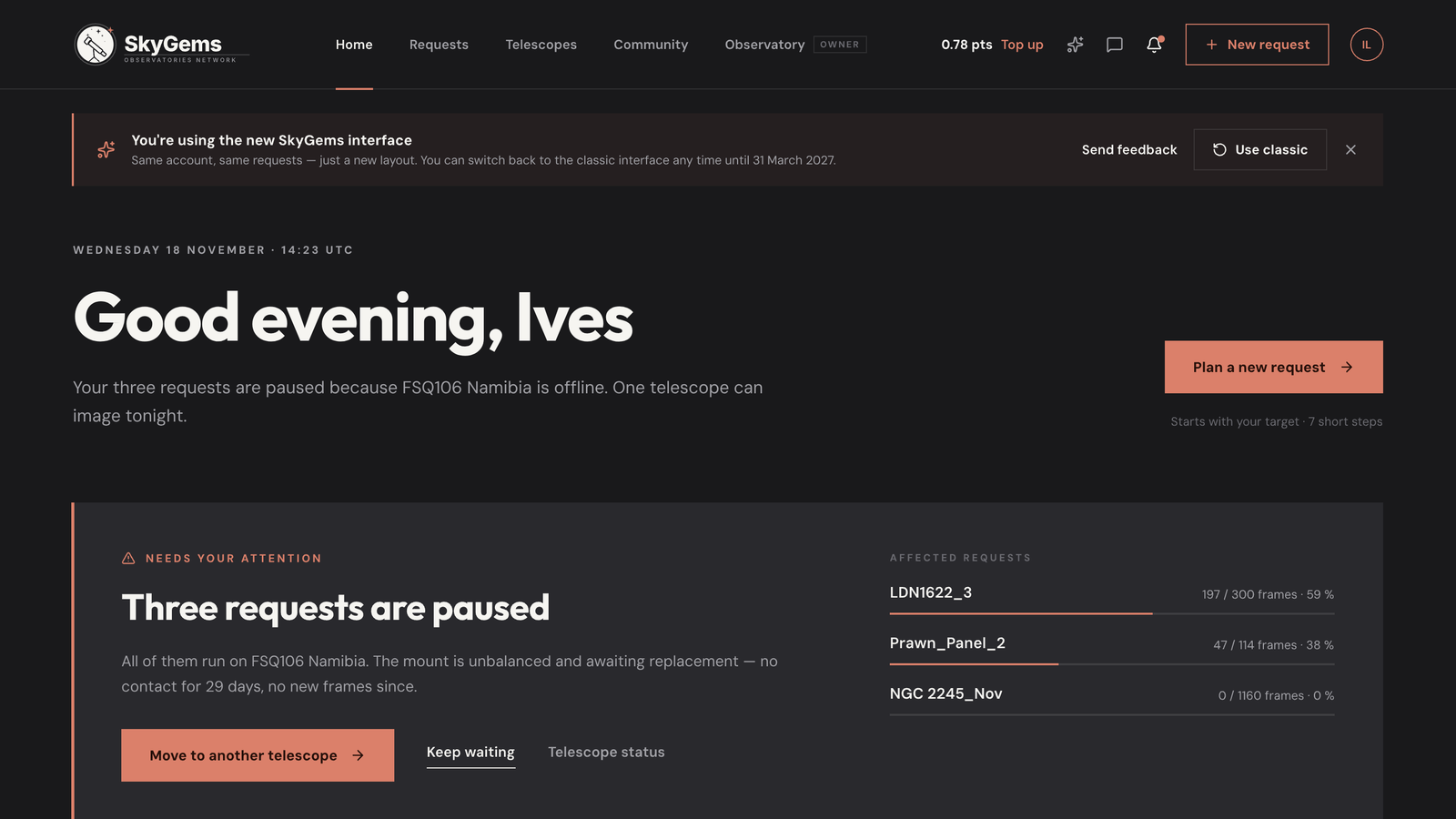
From today, every SkyGems user can try the new SkyGems app. Look for the "Try the new SkyGems" banner: one click and you're in. Same account, same requests, same points.
We have rebuilt the SkyGems interface from the ground up, and now it is open to everyone.
Nobody is moved over automatically. You stay in the classic interface until you choose to switch, and you can go back to classic at any time: from the account menu, the link in the footer, or Settings → Interface & display. Your account, your imaging requests, your frames and your points are the same in both.
What's new for you
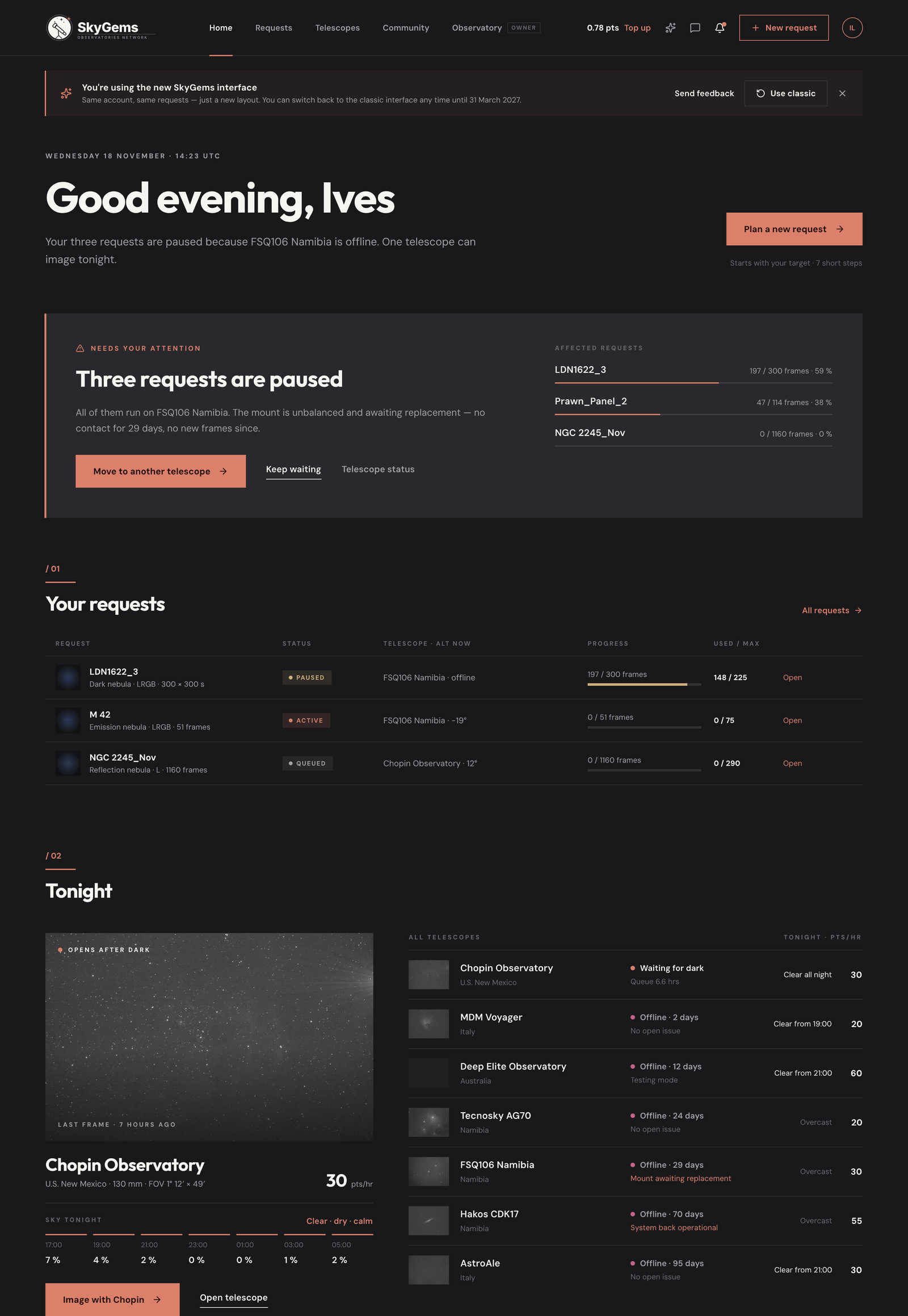
- A new dashboard. Your points, your recent requests, your newest frames (raw, calibrated and master frames, each opening its request) and a snapshot of the network, all on one page.
- The request planner. Plan a request step by step, target first. The price you see comes from the same calculation as the real charge. You can also start a quick request, import many targets at once, or ask the assistant. Press N anywhere to start a new request.
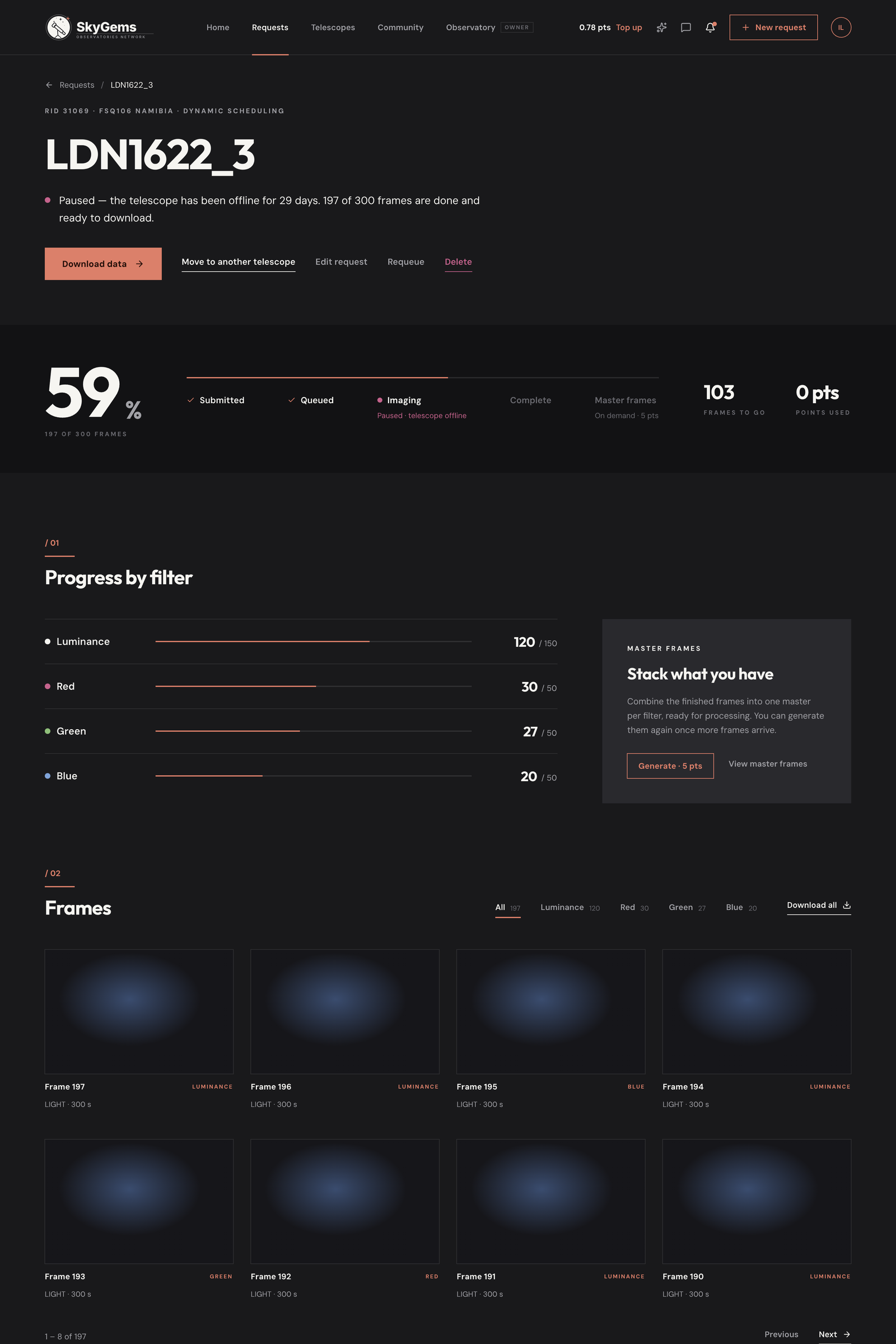
- Frames. A frame viewer with your frames, master frames and calibrated frames side by side, the FITS header details of each frame, and FITS downloads.
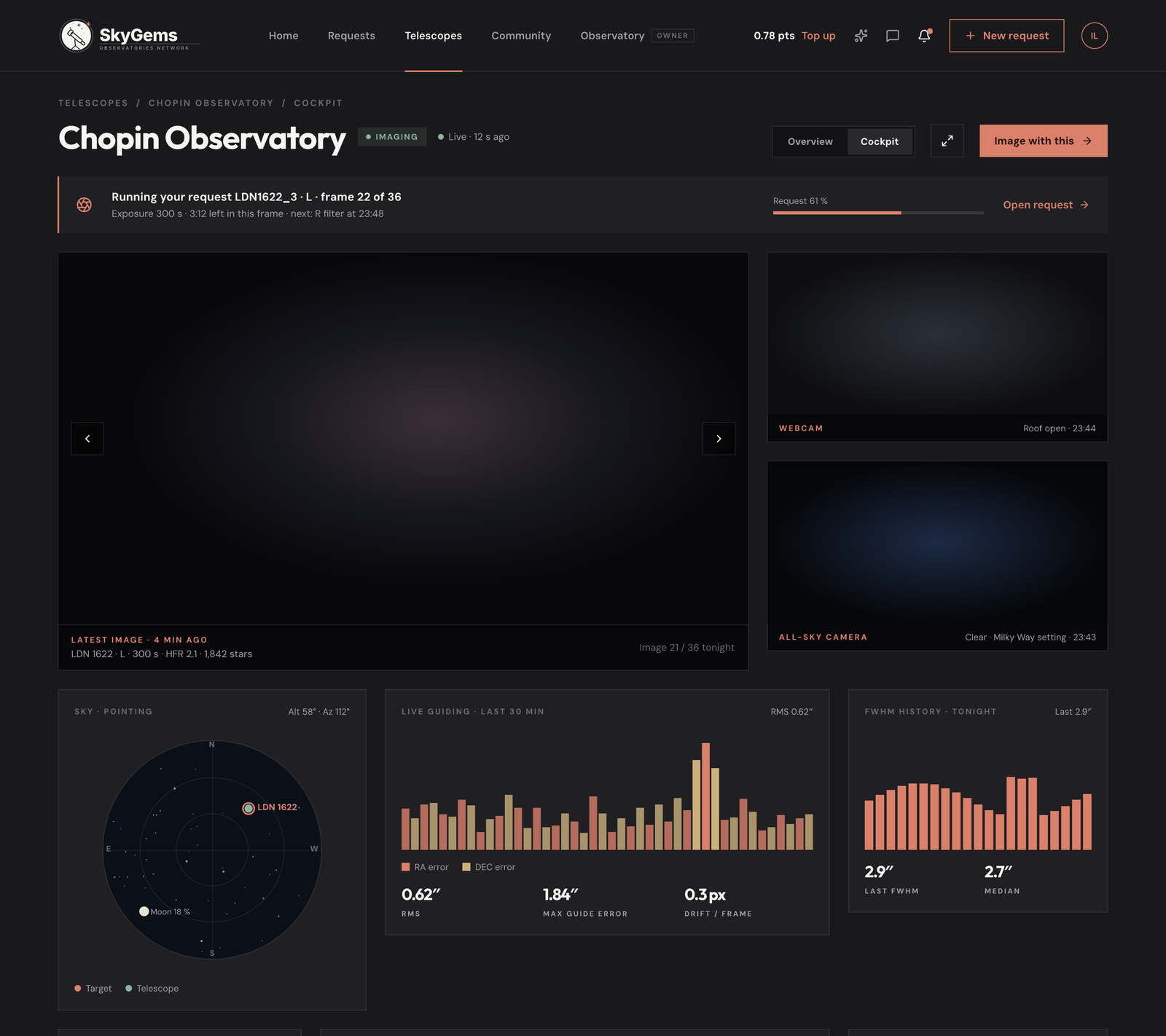
- The live telescope cockpit. Watch a telescope while it works: a sky chart that shows where it is pointing and where the moon is, what it is doing right now (slewing, exposing, between frames, dithering, parked …), tonight's HFD as the frames come in, and the guiding. It refreshes by itself, with no page reload.
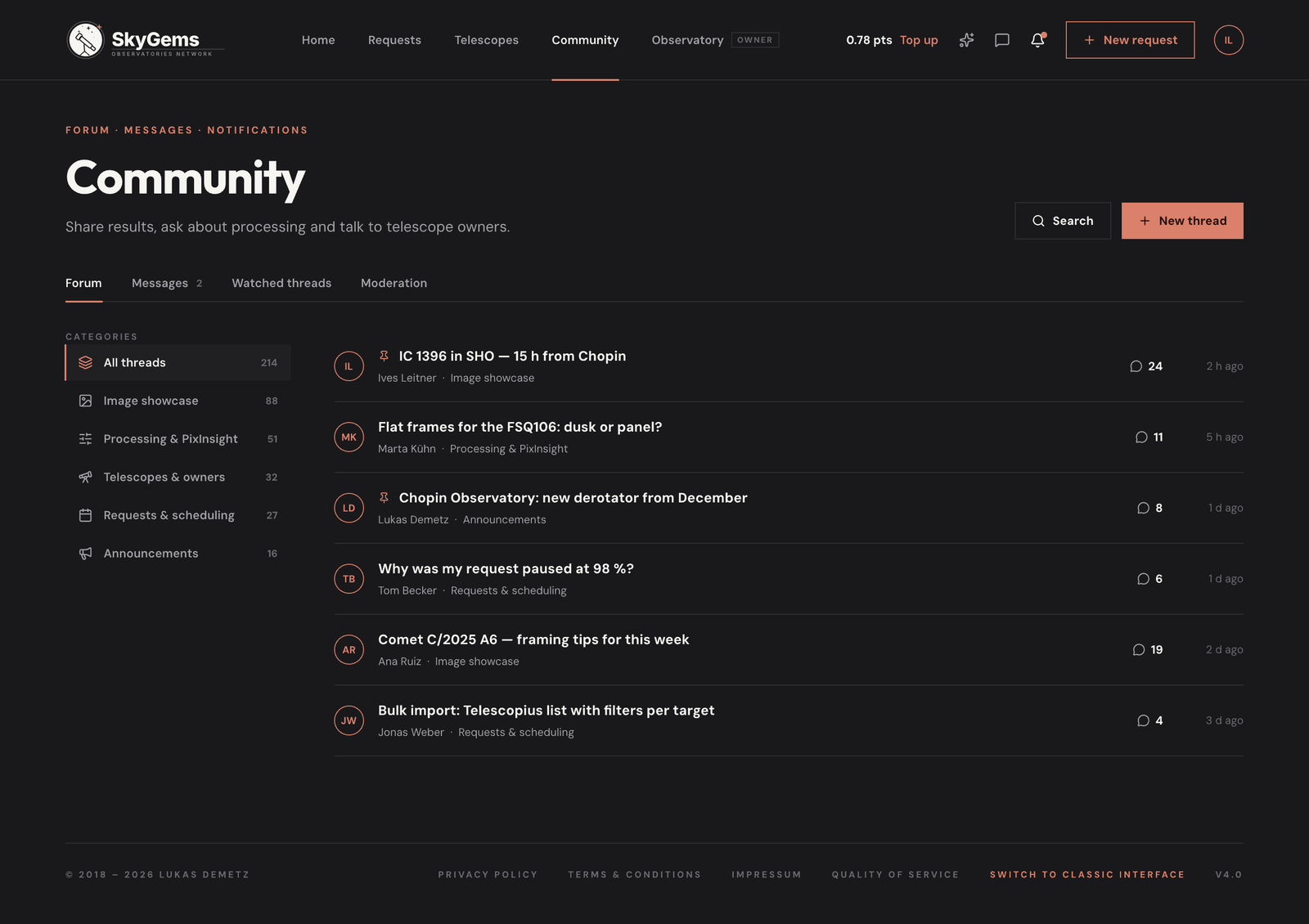
- The community forum, now part of the app: ask other astronomers and observatory owners, share your techniques and results, and get help at skygems-observatories.com/app/community.
- Announcements. News like this one now has its own page in the app. The megaphone in the top bar shows a dot when something new has been posted.
What's new for observatory owners
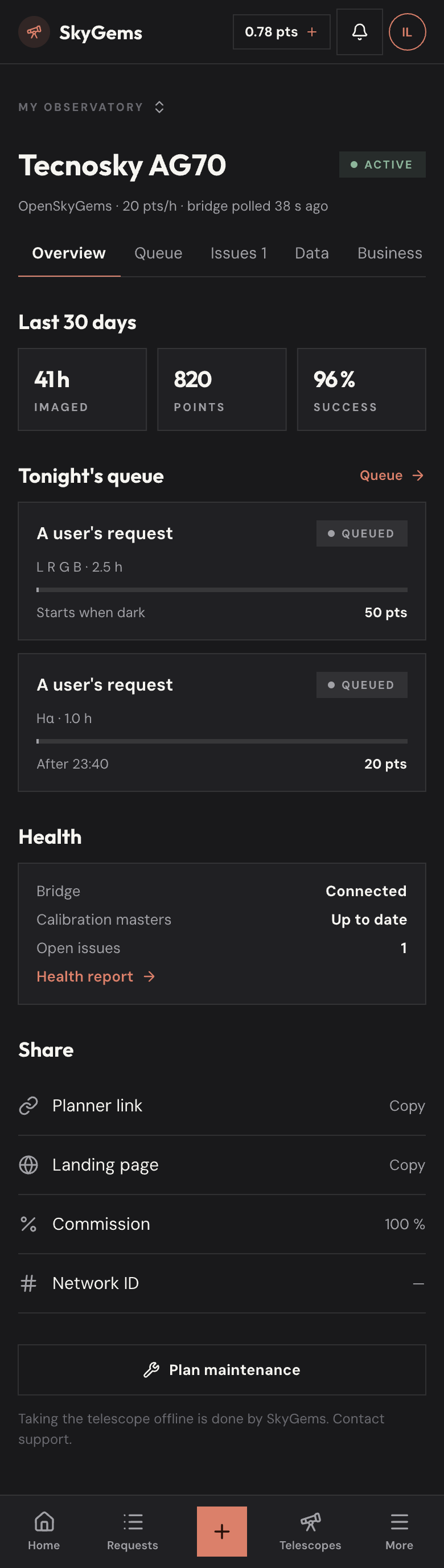
The new app has an owner console for your observatories. Open it from Observatory in the top bar. You'll find:
- an Overview with the open requests, the health of the bridge and the newest calibration masters,
- the Queue,
- Issues and maintenance,
- your Data,
- the Business figures,
- and the Setup of each telescope.
When the observatory leaves a note on a request, the owner console shows the note itself under the request, and your users see it on their dashboard too.
Tell us what you think
A new interface is never finished on the first day, and we would really like to hear from you. Tell us what works, what doesn't, and what you're missing:
- Help → Contact us sends your message straight to our team. We reply by e-mail.
- When you switch back to classic, we ask (optionally) what it is about (bug, idea or other) and what made you switch. Even one line helps us a lot.
- Or start a thread in the community forum.
Thank you for imaging with us. Clear skies!
The SkyGems team